Tooltip
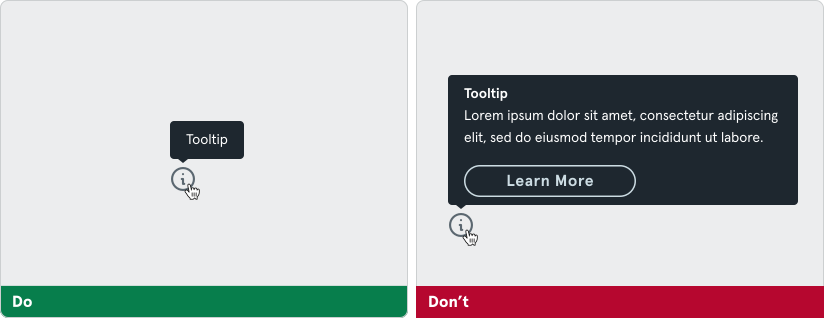
A tooltip displays informative text when users hover over, focus on, or tap an element.

Variants
Section titled “Variants”Tooltip Background Update
Section titled “Tooltip Background Update”The default background color of the Tooltip component has been updated to improve contrast on light (white) backgrounds.
New default: The background color is now inverted to ensure better accessibility and readability.
Body Content
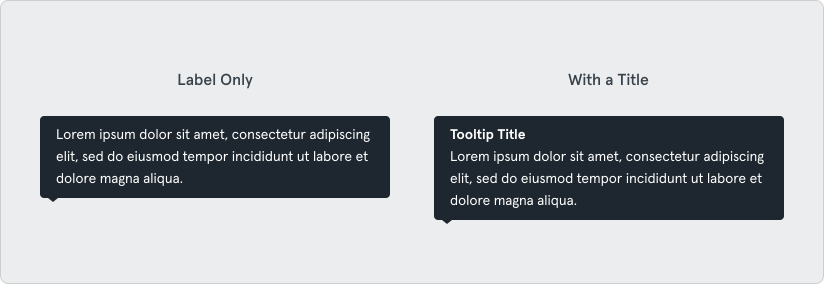
Section titled “Body Content”The tooltip component supports the option for body content to be used for explanatory text, instructions, or additional details.
Placement
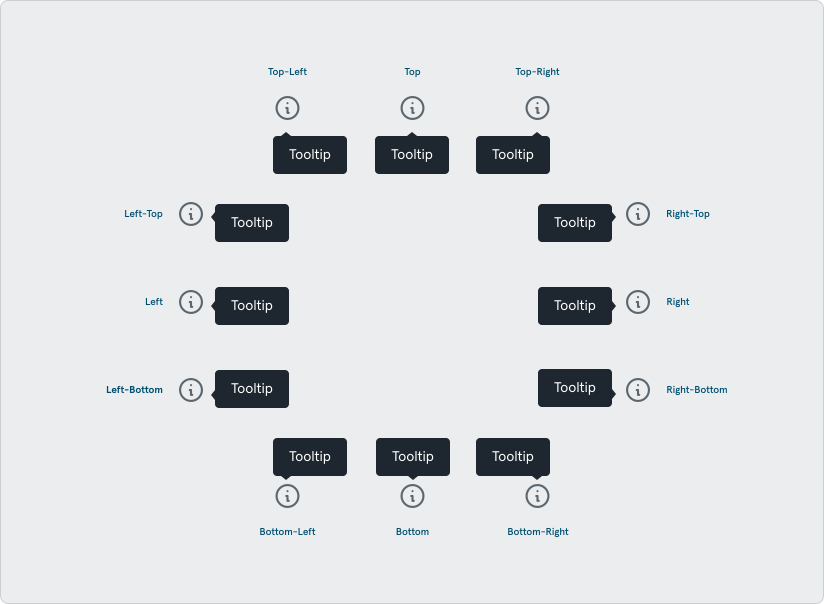
Section titled “Placement”A tooltip will appear relative to the UI element it was triggered by. By default, position the tooltip above the target element. If space is limited, position it below or two the side.
Tooltips should be paired with an interactive UI element, such as an icon button. The information displayed in a tooltip should be contextual, helpful, and nonessential while providing the ability to communicate and give clarity to the user.
Tooltips aren’t interactive; they only appear when you hover over an element, so users can’t interact with them, and they can’t include links, inputs, or buttons.