Banner Message
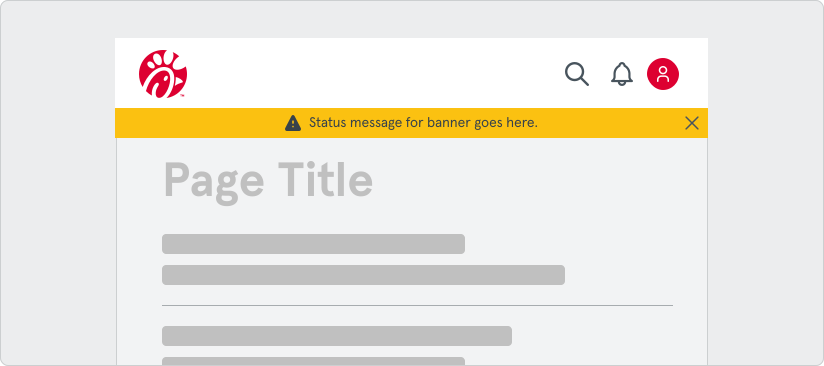
Banner messages are used to communicate messages of varying importance to the user.

Variants
Section titled “Variants”Severity
Section titled “Severity”Banner messages are categorized into three sevverity levels.

- Informational - Informational messages are used to provide additional information that may not be tied to the users current task. These messages do not require immediate action and can be dismissed by the user.
- Warning - Warning messages should inform the user of an upcoming or undesirable event in the application or system. These messages often persist on the page until the user dismisses the notification.
- Error - Error messages should inform users of an error or critical failure of the application or system. This could potentially block the user from proceeding until the issue has been resolved. These messages should always persist until the user dismisses them or resolves the issue.
Dismisible
Section titled “Dismisible”Banner messages are optionally dismissible, letting the user remove it from their view. This should be used intentionally for non-critical information that is not persistent.

Banner messages should be placed at the top of the page when communicating ‘system wide’ notifications that surpass the context of a single page.
Messaging
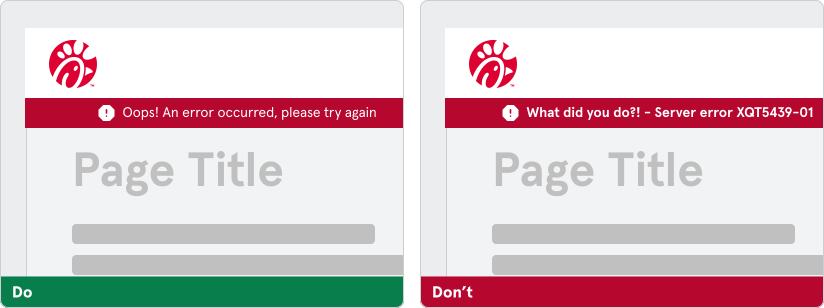
Section titled “Messaging”- Should be polite, precise, concise and constructive
- Clear in its communication avoiding technical terminology
- Take a positive tone and don’t blame the user