Toggle Button

A toggle button allows a user to toggle a selection on or off, for example switching between two states or modes.
Variants
Section titled “Variants”
Toggle buttons can take 2 primary forms
- Icon - Icons can be useful for smaller areas where space is limited and a clearly recognizable icon can enhance “scan-ability”
- Text - A Text variant is available for use-cases where the options need to be spelled out or don’t have a recognizable icon
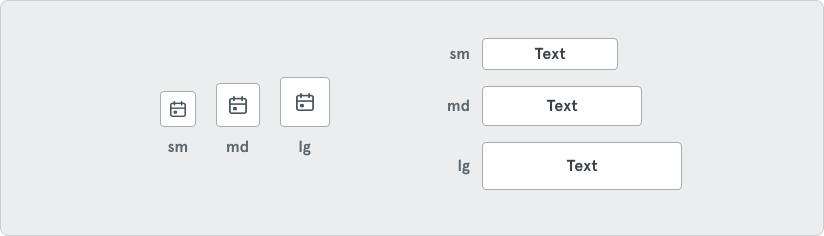
Toggle buttons come in three sizes: sm, md & lg
Orientation
Section titled “Orientation”
Orientation options are also available for Toggle buttons: Horizontal & Vertical
States
Section titled “States”
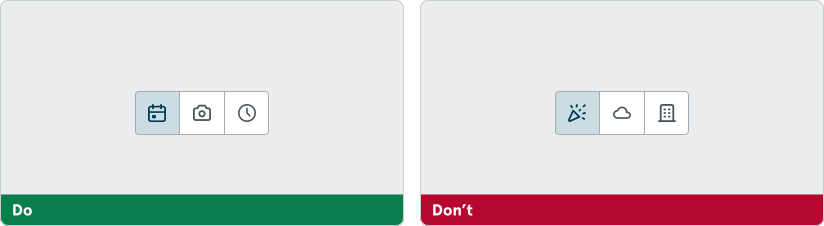
Always use clear iconograph that communicates simple concepts of choice. Abstract icons that require thought may add confusion.
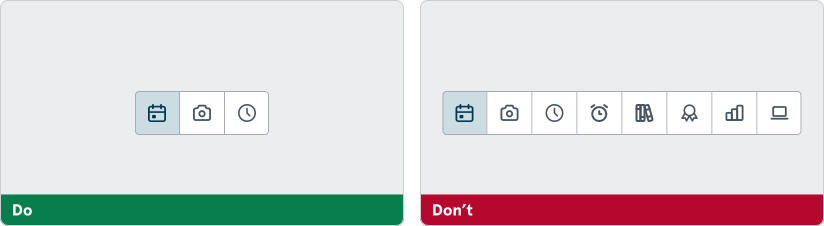
Keep the number of options to a minimum to avoid overwhelming the end-user or risking the look of navigation. Options in toggle buttons should only reflect simple and intentional choices.