Card
Cards are a flexible container used to group related information or actions in a way that is visually clear and easy to interact with. This component supports a wide range of content types and use cases.
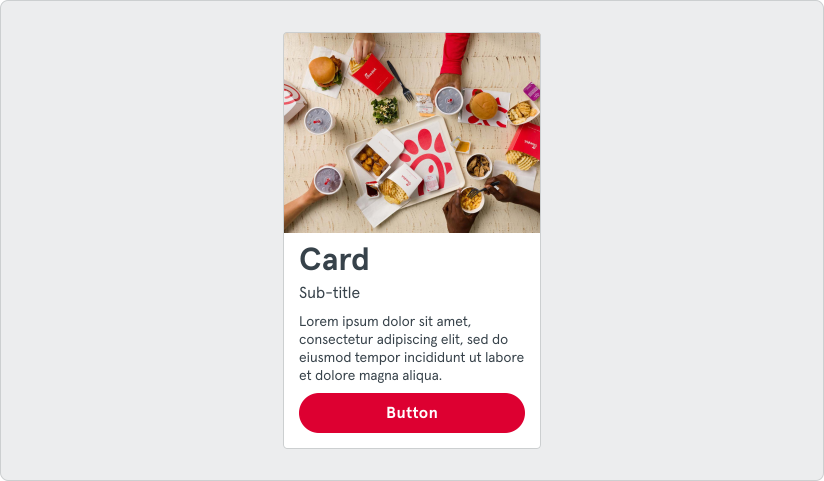
Cards are best used to group related or similar information in a compact and scannable format. Common use cases are featuring a key piece of information, organizing content into navigable sections, and displaying lists of items.
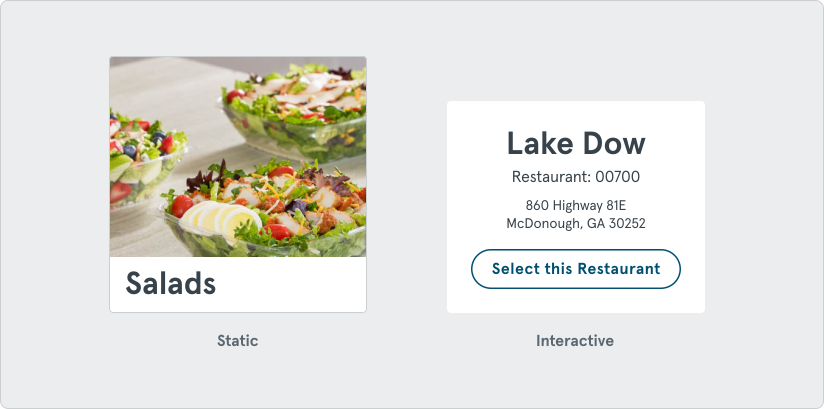
Cards can be either interactive (clickable or containing actions) or static (purely informational). Their use should be intentional and support the user journey within the application.
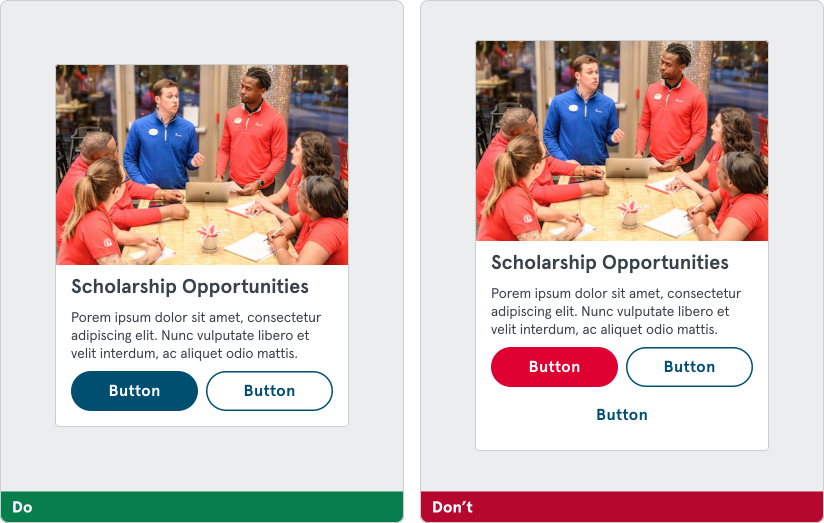
If a card contains buttons, refer to the button guidelines. Limit cards to no more than two buttons. If a card is entirely wrapped with a button or link, do not include any other clickable elements inside it to avoid confusion.
Options
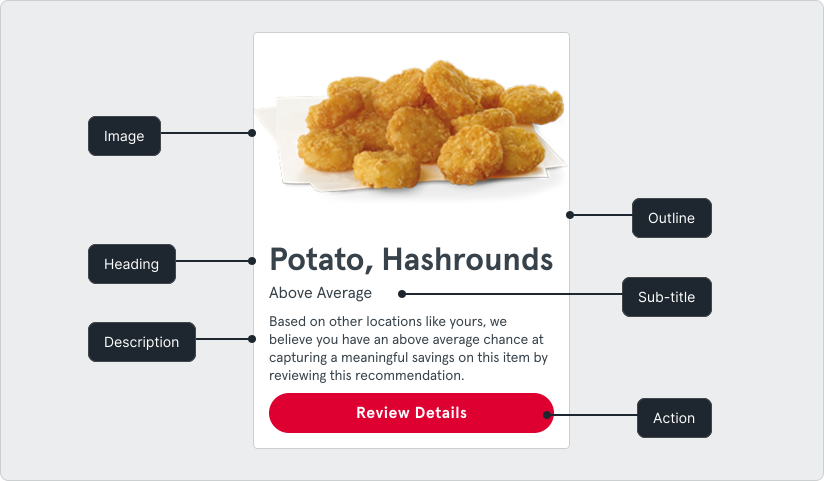
Section titled “Options”Cards are composed of optional elements that can be combined in various ways depending on the use case.
These include:
- Image or media
- Container outline
- Heading
- Sub-title
- Description text
- One or two actions
This modularity allows cards to suit a wide range of needs across products and features.
Layout
Section titled “Layout”Cards are highly adaptable to layout contexts. Typical use cases might be to highlight a single piece of information, bundle them in a vertical or horizontal list, or in a grid to display a collection.

The width should adapt to the container or layout grid. The height of a card can be based on the tallest card in a row (e.g., in a grid) or hug the content. Stretching the cards too wide or squishing too many of them in a row should be avoided as this impacts readability. It is preferred to use 2-4 per row in most cases if they are being laid out horizontally, depending on screen size and content density.

Content
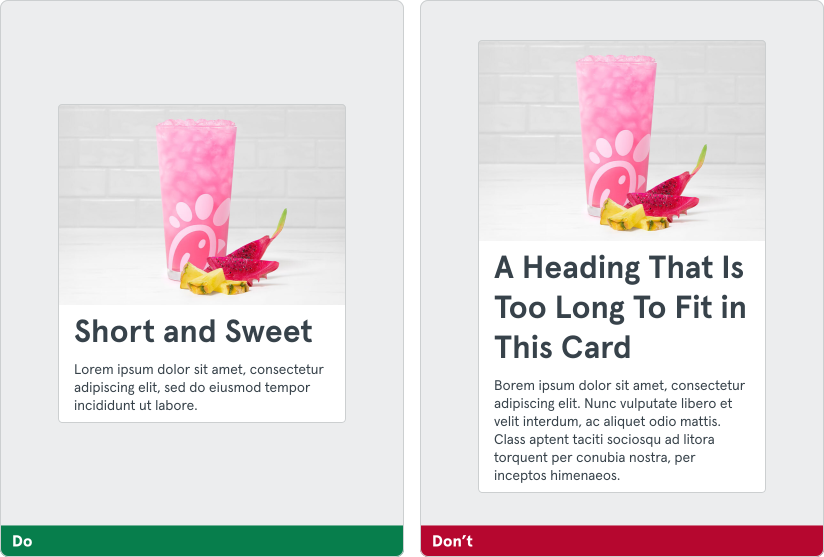
Section titled “Content”Headings and sub-titles should be short and concise—ideally not more than two lines. Avoid breaking into three or more. If using a description, consider truncating after 200 characters.