Chip
Chips serve as essential identifiers that label, organize, and categorize items within a system, enhancing the clarity and accessibility of information. By associating items with relevant keywords, chips enable users to efficiently categorize, sort, and navigate through large data sets. Their application streamlines the user experience, making data more scan-able and easy to interpret.
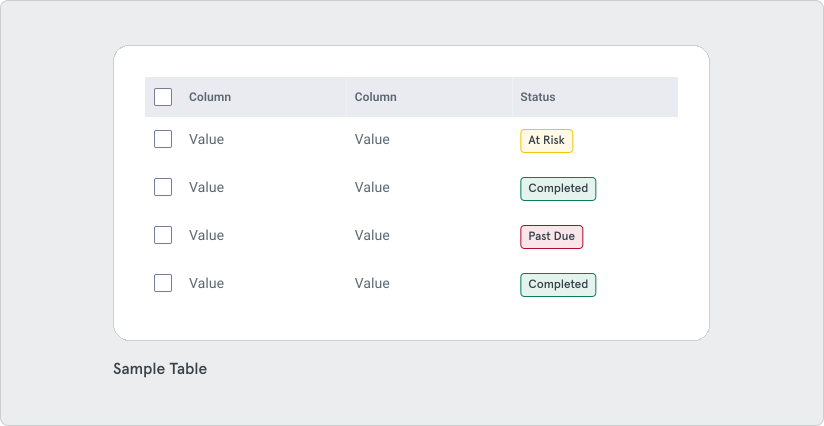
Chips are used to label, organize, and categorize items. They are commonly used as descriptive information or filter items. Use chips to provide additional non-critical information on a piece of data. Common use cases include:
- Categorization: Use chips to classify items.
- Status Indication: Use chips to highlight an item’s status, like “In Progress” or “Completed”
- Filtering: Chips allow users to filter data or content.
Variants
Section titled “Variants”The Chip component supports two types: Filled and Outlined.

Fill The Filled variant is recommended for items that require more visual prominence, such as those requiring attention, like statuses.
Outline The Outline variant is recommended for items that require less visual prominence, such as supporting, less-critical additional information. This variant is suitable for displaying multiple chips, especially when they are used for filtering or categorizing content.
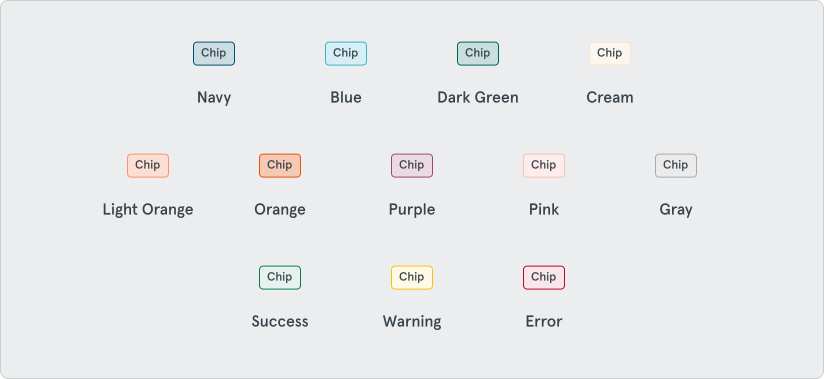
Chips come in a variety of colors: Navy, Blue, Cream, Pink, Light Orange, Orange, Dark Green, Purple, and Gray. Chips are also available in colors to indicate a variety of feedback: Success, Warning, and Error.
Keep chips short
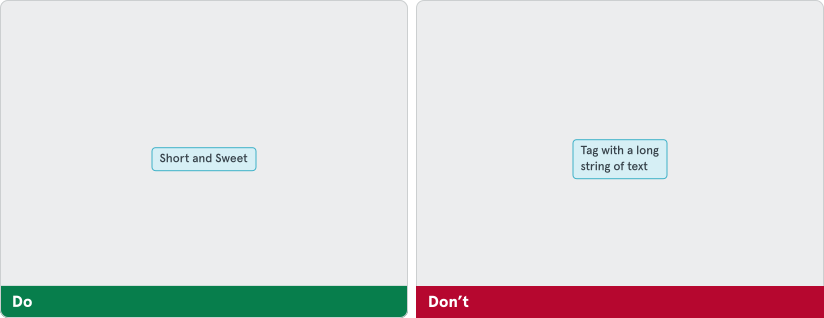
Section titled “Keep chips short”Avoid wrapping text in chips as it can make them appear bulky and disrupt visual balance.
Spacing
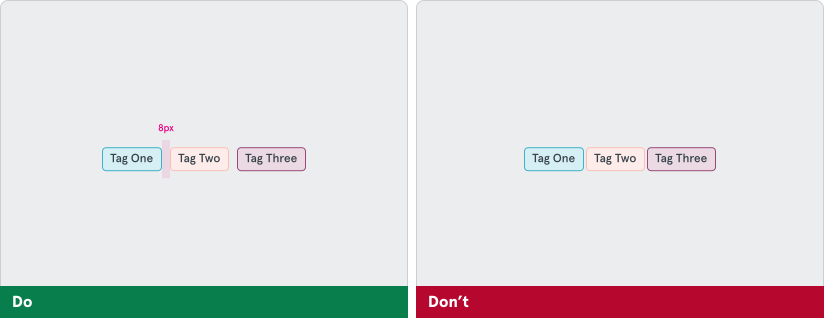
Section titled “Spacing”Maintain proper spacing between chips of 8px. Don’t pack chips too closely together or overlap them.