Checkbox
The Checkbox component allows users to make choices, such as selecting or deselecting an option. It’s a fundamental element used in forms, settings, and other user interfaces where multiple options can be selected independently or when a single choice needs to be confirmed or selected.
Clear Labeling
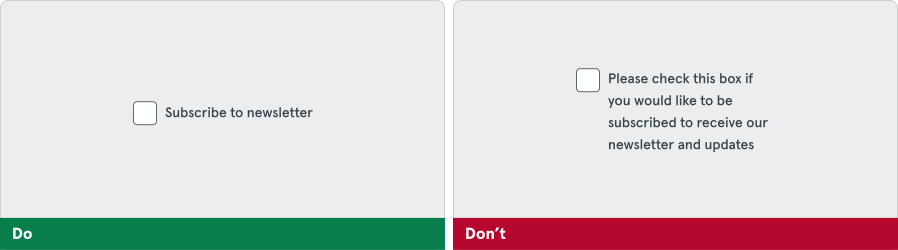
Section titled “Clear Labeling”Always provide a clear, concise label next to the checkbox.
Helper Text
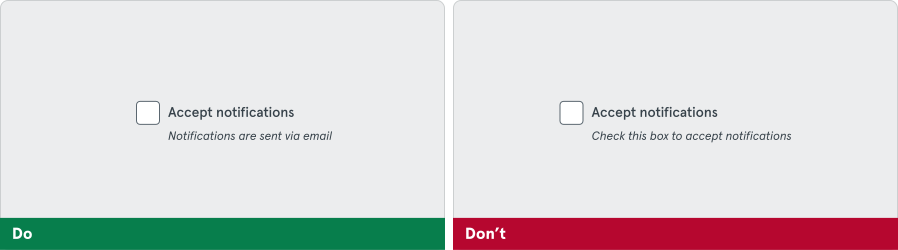
Section titled “Helper Text”Use helper text when additional context is needed. Don’t use helper text to convey redundant information. It can also be used to indicate different statuses, such as success or error.