Heading
The heading component is used to display titles and section headings with consistent styling, content hierarchy, and making content scannable across the application.
Please refer to the foundational typography guidelines for more in-depth information on how headings look and their varying sizes, weights, line heights, etc.

Variants
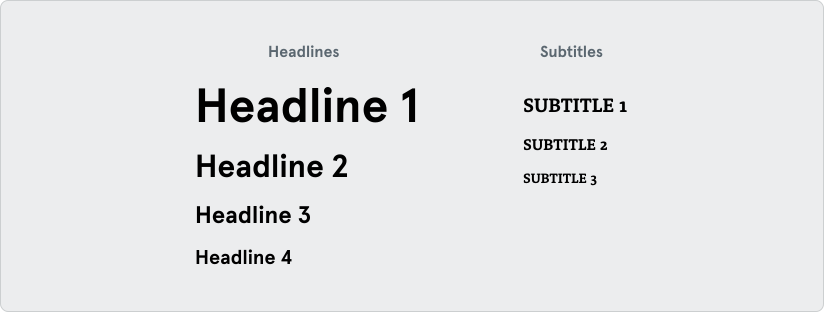
Section titled “Variants”The heading component includes specific styles based on the set typography of the system. These include headlines 1-4 and subtitles 1-3.
If headings need to follow a specific visual style that doesn’t align with the natural h1 to h6 order, always use heading tags in a semantically correct ascending order to support accessibility and screen reader navigation.
Content Length
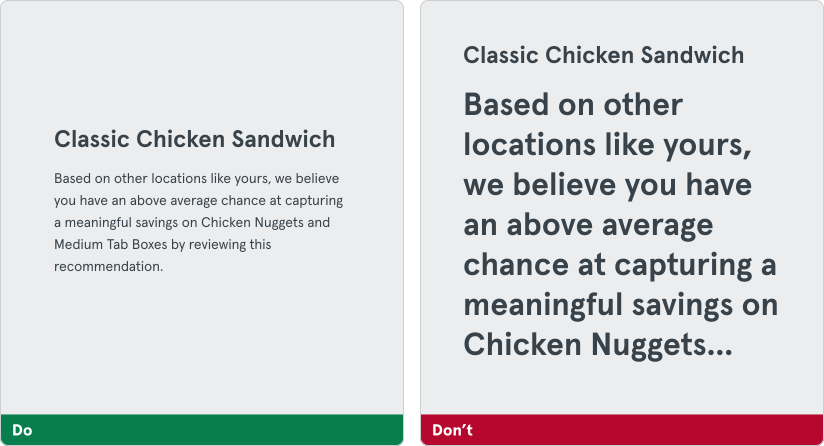
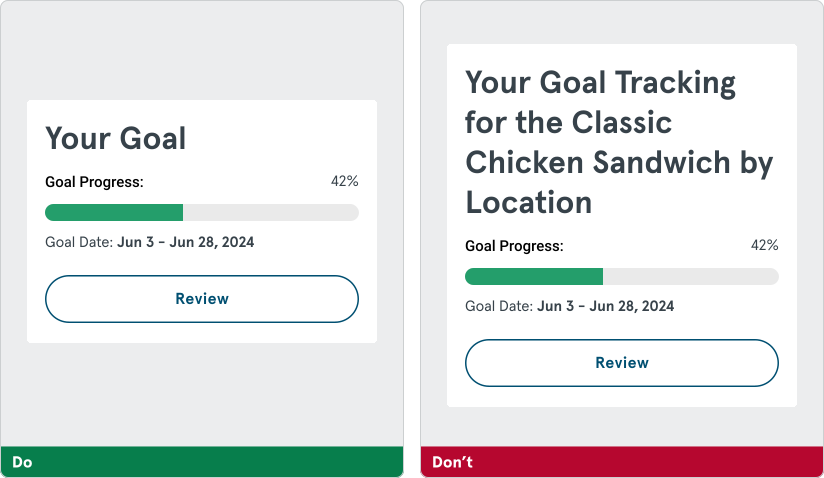
Section titled “Content Length”The content of a heading should be clear and summarize the content it pertains to. Don’t make headings too long, as this may break the container or component it was intended for.
Hierarchy
Section titled “Hierarchy”The heading component should be used exclusively for titles and section headings. Regular content such as paragraphs or other elements should use their respective components and not be styled as headings.