Number Input
The number input component allows users to input numerical values. This component ensures users can provide numeric data in a controlled format with validation and support for incrementing or decrementing values.

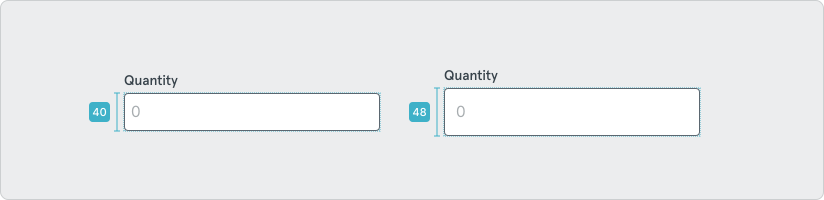
Like other inputs, the number input is available in two sizes: ‘default’ (48px) and ‘compact’ (40px).
Options
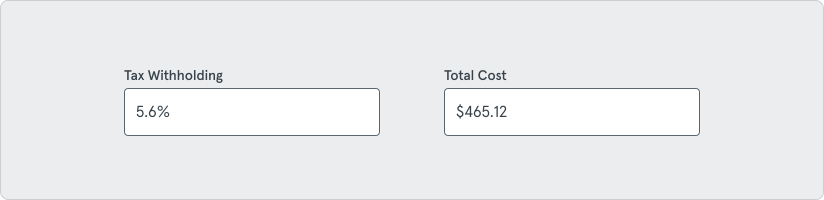
Section titled “Options”Some optional data types can be chosen for display such as percentage or currency.
Alignment
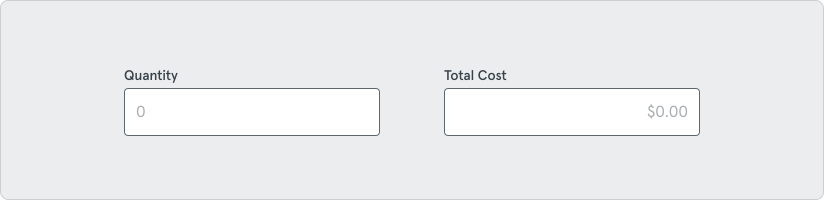
Section titled “Alignment”Because currency will be a common use case for a number input, values can either be left or right aligned in the input.
Behavior and States
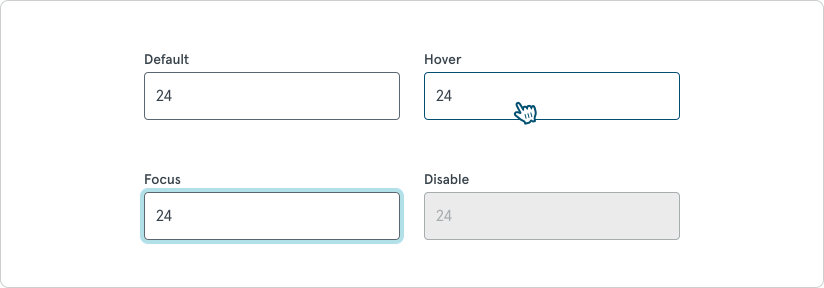
Section titled “Behavior and States”Component States include: Default, Hover, Selected, Disable, and Focus.
Statuses
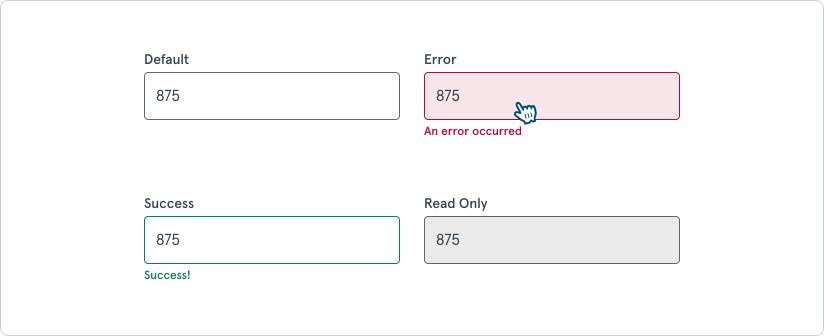
Section titled “Statuses”Statuses include: Default, Error, Success, and Read Only.