Menu
A menu is a small overlay that uses the popover component to display actionable menu items. It appears over all other elements on a page and can be triggered by a button or icon button. Menus work well when there is limited space and help organize related actions or items.
Menu Items
Section titled “Menu Items”Menu items are the components that make up the menu component. There are many ways to configure the items and the menu to suit the needs of an application.
States
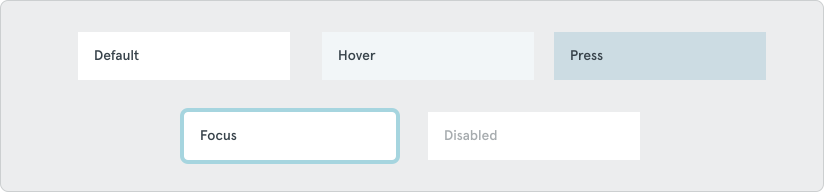
Section titled “States”Default, hover, press, focus, and disabled
Options
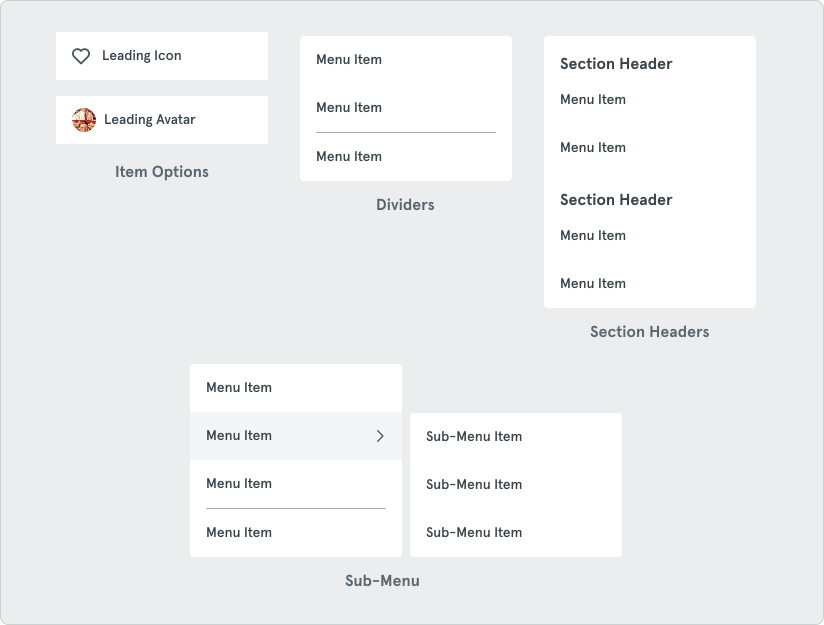
Section titled “Options”Menu and sub-menu items have numerous options available to configure the menu according based on the use case.
Placement
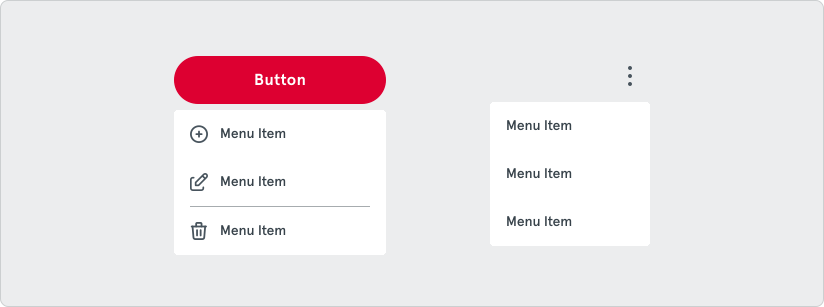
Section titled “Placement”A menu should always appear very close to the trigger element when opened. Depending on where the trigger element is located, the menu may appear above, below, or next to the element.
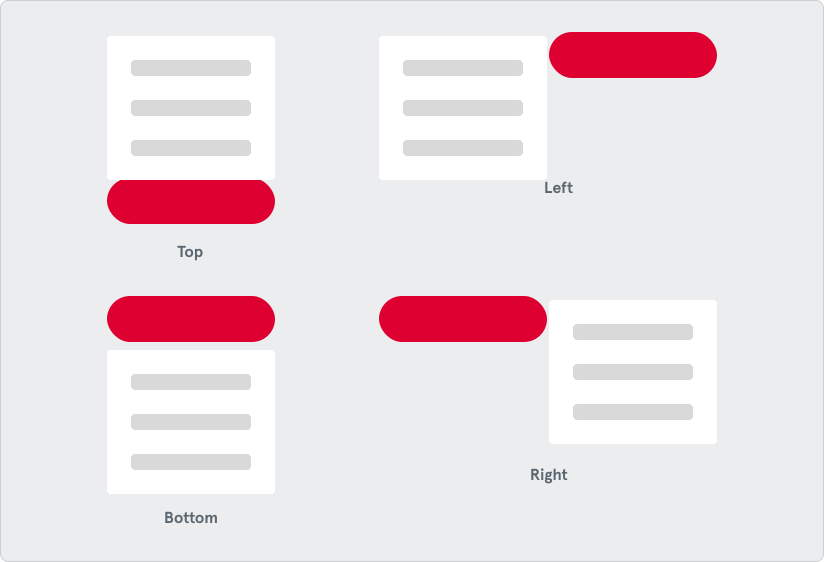
The width of the menu can either match the trigger element or hug the content of the menu depending on the use case.

Scrolling
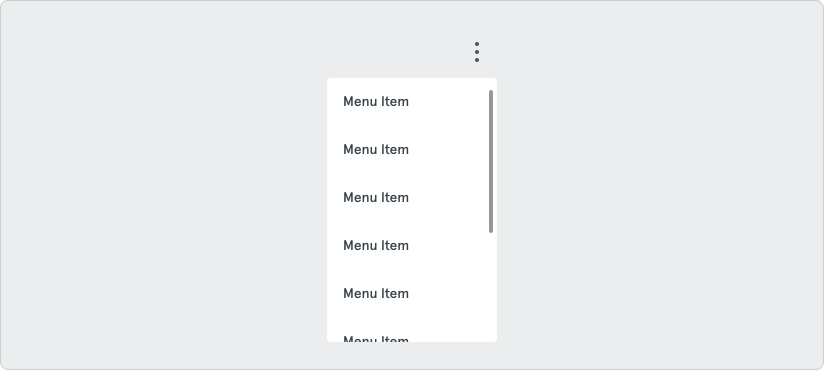
Section titled “Scrolling”If the menu has many options making the container tall or overwhelming, it is recommended to allow the menu to scroll.