Text Input
Text fields allow users to input or modify text to collect user data.

Variants
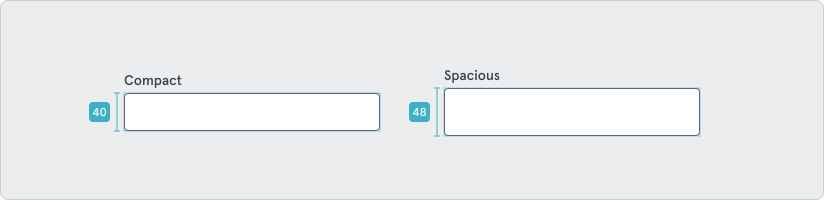
Section titled “Variants”Text inputs come in two sizes; compact and spacious.
Behavior and States
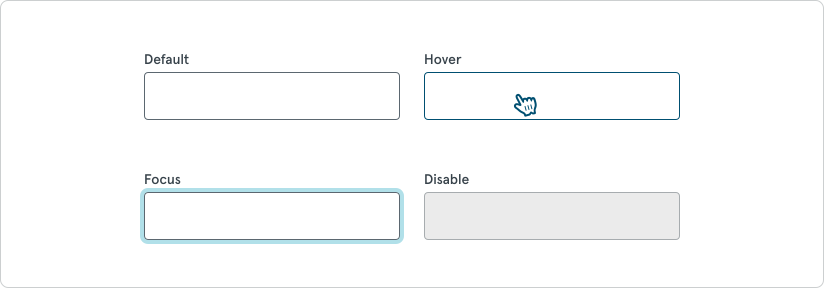
Section titled “Behavior and States”Default, Hover, Selected, Disable, and Focus.
Statuses
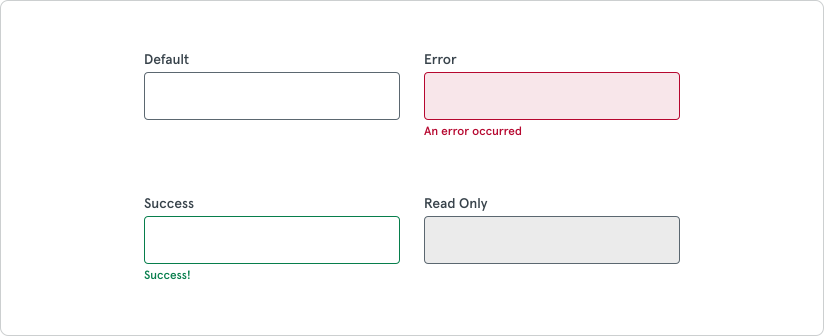
Section titled “Statuses”Default, Error, Success, and Read Only.
Max Length
Section titled “Max Length”Character limits help manage the length of input a user can enter into a text field when a specific amount of data is required. By communicating these limits it ensures a better user experience and reduces input errors.