Accordion
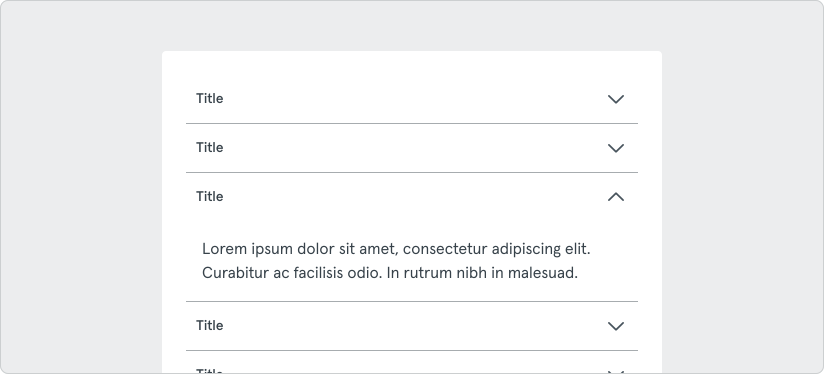
The accordion component is a versatile UI element allowing content to be collapsed or expanded within a container.
Variants
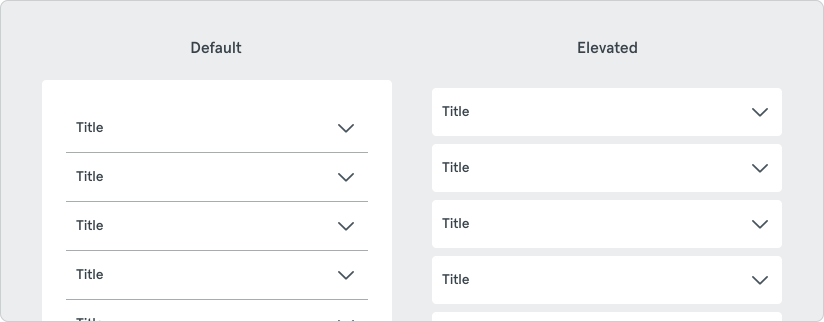
Section titled “Variants”The accordion component offers two primary variants, default and with elevated items.
Default
Section titled “Default”This variant is ideal for use cases where minimal styling is preferred or where the accordion needs to blend seamlessly with the surrounding content.
Elevated Items
Section titled “Elevated Items”This variant displays the accordion items in their own surface with a drop shadow, providing a distinct visual separation from the rest of the content when needed.
This component is useful for organizing related information in a concise manner, enabling users to toggle the visibility of sections of information. Content within the accordion should not be crucial to read in full. If information must be read by the user, avoid using an accordion.
Do’s and Don’ts
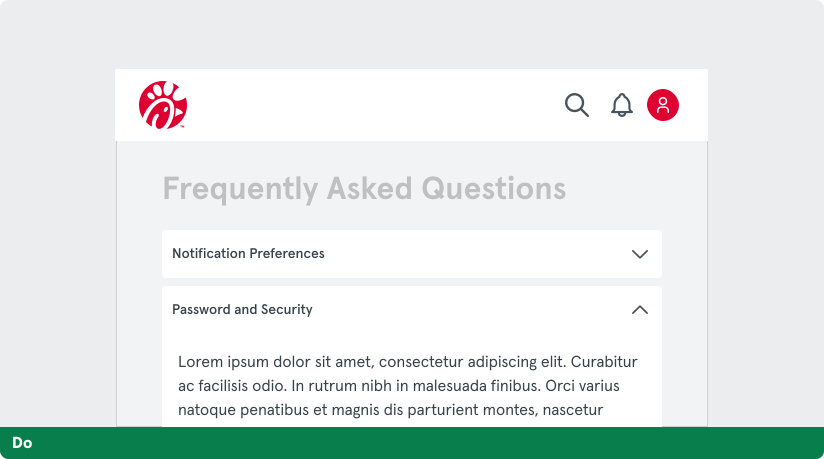
Section titled “Do’s and Don’ts”Do: Use clear and descriptive headers to give a high-level overview of the content, aiding users in deciding which sections to expand and read.
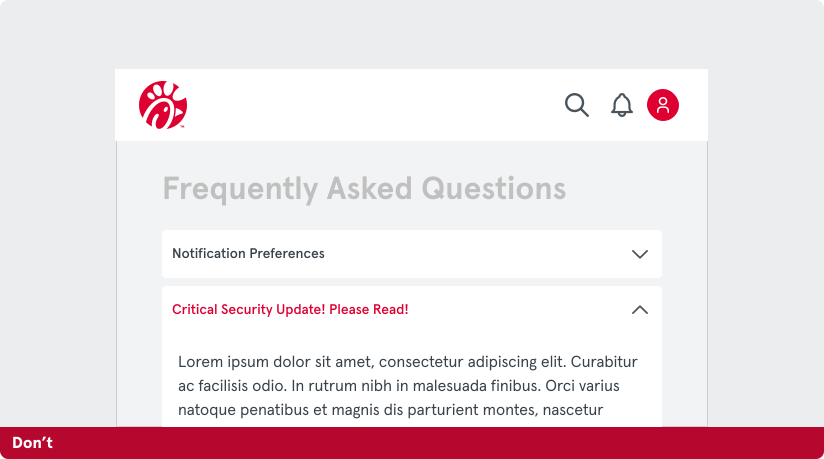
Don’t: Accordions are not for critical information. Instead, display it openly on the page instead of hiding it in an accordion. Do not use too many sections as this can overwhelm users and defeat the purpose of concise content organization.