Message Block
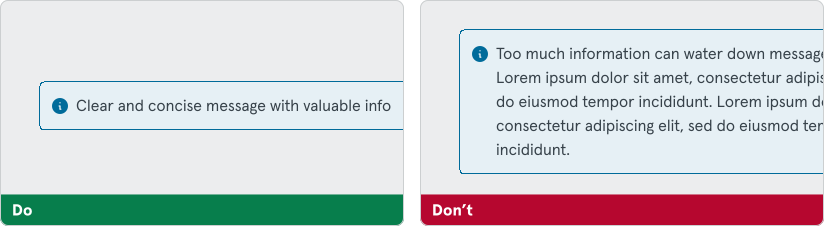
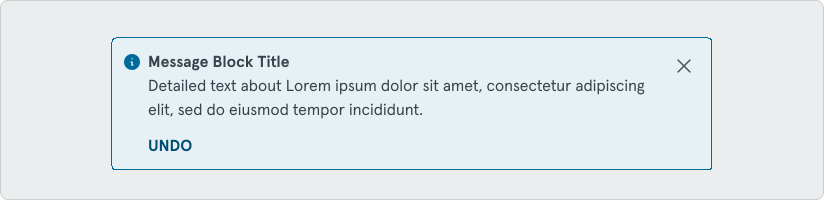
Message blocks are used to provide action-based feedback or to communicate informational and/or critical related messages. Elements of message blocks, such as icons and color, indicate the type and urgency of the message’s information.
Status
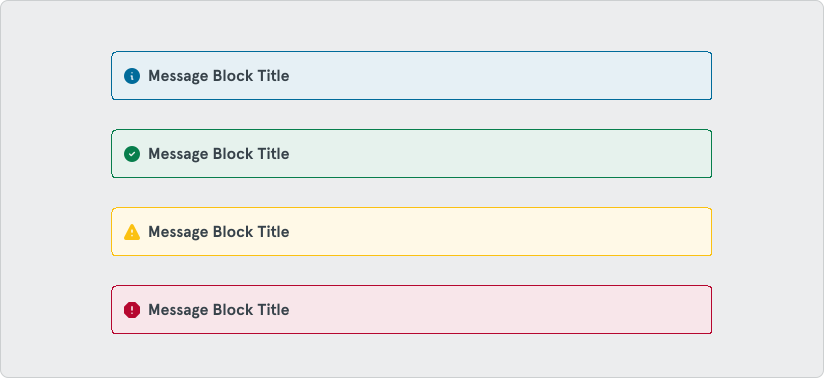
Section titled “Status”Message blocks are categorized into four statuses based on severity:
Informational
Section titled “Informational”Info messages should be used when there are tips or information that a user can benefit from and may not be tied to their current action or task.
Success
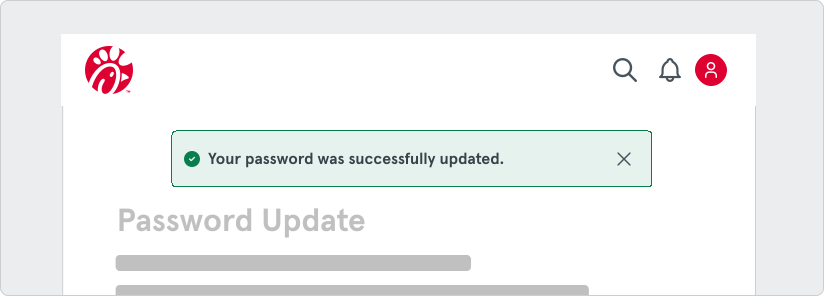
Section titled “Success”Positive/Success messages are used to confirm that a task was completed as expected. This status message should mainly be displayed as toast messages, unless the feedback is delayed, persistent, or has a call to action.
Warning
Section titled “Warning”Warning messages should inform the user that the action they are taking is not desirable or might have unexpected results. Sometimes warning messages cause the user to abandon the task, so use this status sparingly.
Negative/Error messages should be used if the system has failed to perform an action or if the user has made an error. These messages should always persist until the user dismisses them or resolves the issue.
Variants
Section titled “Variants”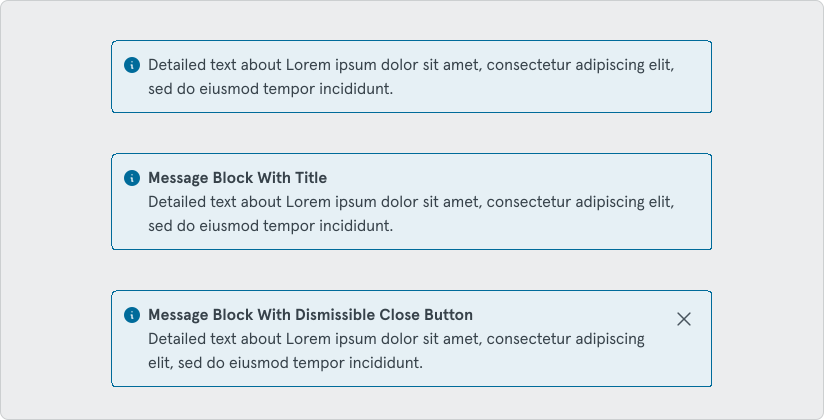
Some customization options are available to fit your use-cases. These options include:
- Message Block title - Great chance to let them know the main subject.
- Dismissible message - Can be used with non-persistent messaging.
Some example uses of Message blocks:
- “Toast” style message informing the user that a certain operation is complete. These are great for conveying the results of a previous action. For example: a form submission or in content management situations “New customer added”. These are normally success response messages that don’t require any immediate action.
Positioning
Section titled “Positioning”Remember to position your messaging apopropriately and within context of the message. If a message is displaying a successful form submittion, position your Message Block at the top of the next page that the form brings you to upon submission.
Keep It simple
Section titled “Keep It simple”