
Modal
Modals focus the user’s attention on one task or piece of information by displaying a window that sits on top of the page content.
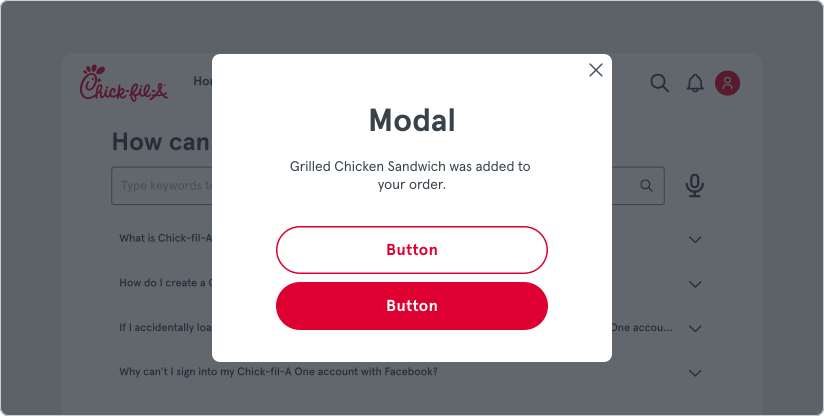
Modals should be used to present critical information or request user input needed to complete a user’s workflow. They should be used sparingly because they can be disruptive.
When a modal is activated, the user is temporarily blocked from the on-page content and cannot return to their previous workflow until the modal task is completed, or the user dismisses the modal.
Variants
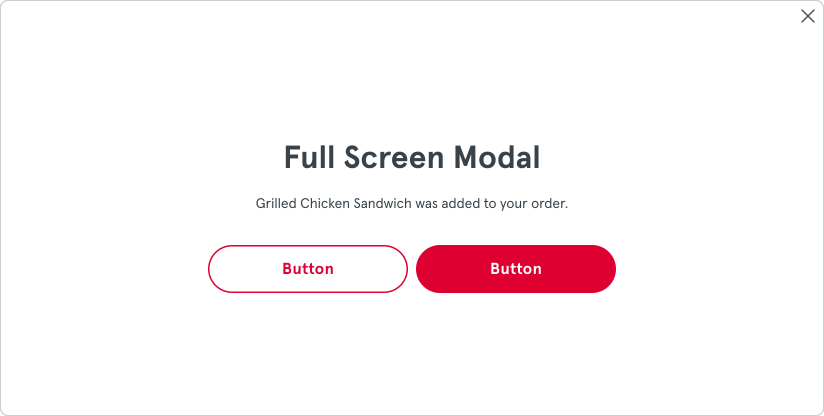
Section titled “Variants”Modals come in 2 main size options: default and full screen. Full screen should be used with intention for operations that require lots of space or need to completely block interaction with the underlying application.
Dismissing Modals
Section titled “Dismissing Modals”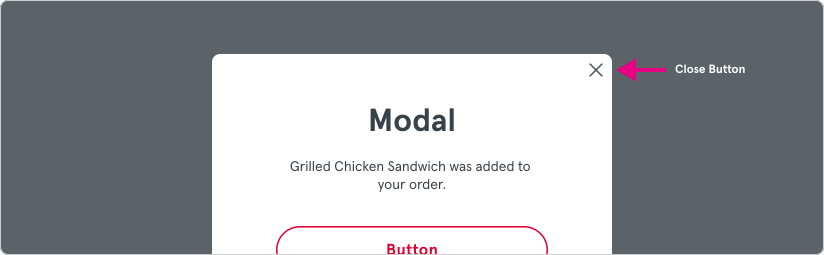
- Close Button - An optional close button is included for use when dismissing the Modal is an intended option. This should be used only with non-crucial operations where backing out of the process doesn’t cause a loss of data or stop a process flow.
- [ESC] key - Modals can also be dismissed by pressing the ESC key on the keyboard (if this option is enabled with the ‘isDissmissible’ API option). The same decision making should be used around a keyboard dismissible option to decide if the use-case should allow a dismissal during the operation.